What you are seeing
Priya Shah opens her Caterer view as Maya and Jordan’s Cocktail Hour moves toward dinner. The captured view shows 48 guests, six vendor meals, four dietary meals, and entree counts of 24 herb chicken, 14 salmon, and 10 mushroom risotto beside the service cue.
Priya can also open the entered plating references and move from one plate to the next. Then the view brings forward Avery Stone’s Table 3 note: severe tree-nut allergy; avoid cross-contact. The note is operationally important, but seeing it on a screen is only one part of a careful human handoff.
The app does not independently confirm a guest’s allergy, certify ingredients or a meal, prevent cross-contact, or monitor kitchen execution. Direct confirmation with the guest and caterer, ingredient review, kitchen protocols, staff training, caterer judgment, and emergency procedures remain authoritative.
The human story around the caterer handoff
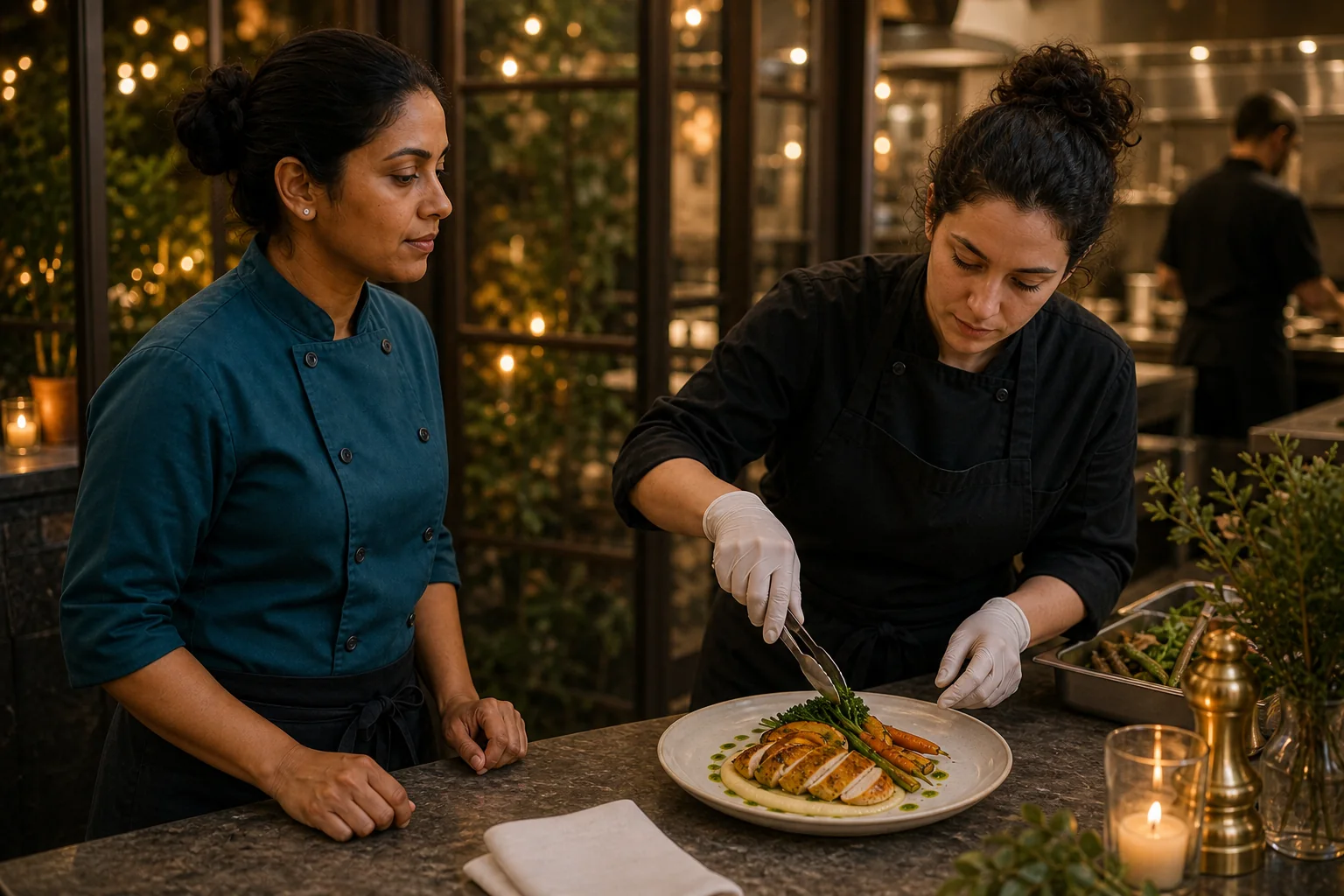
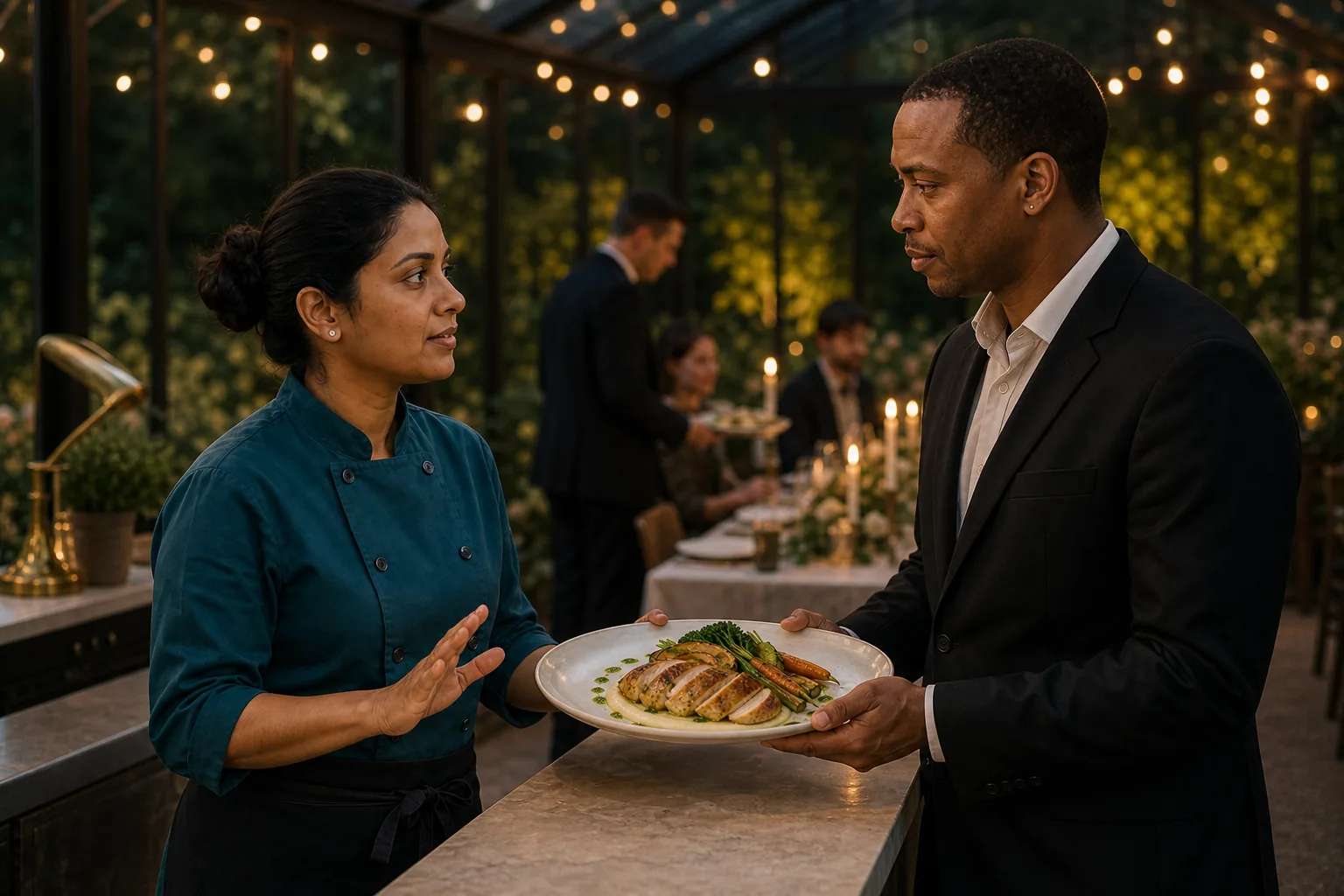
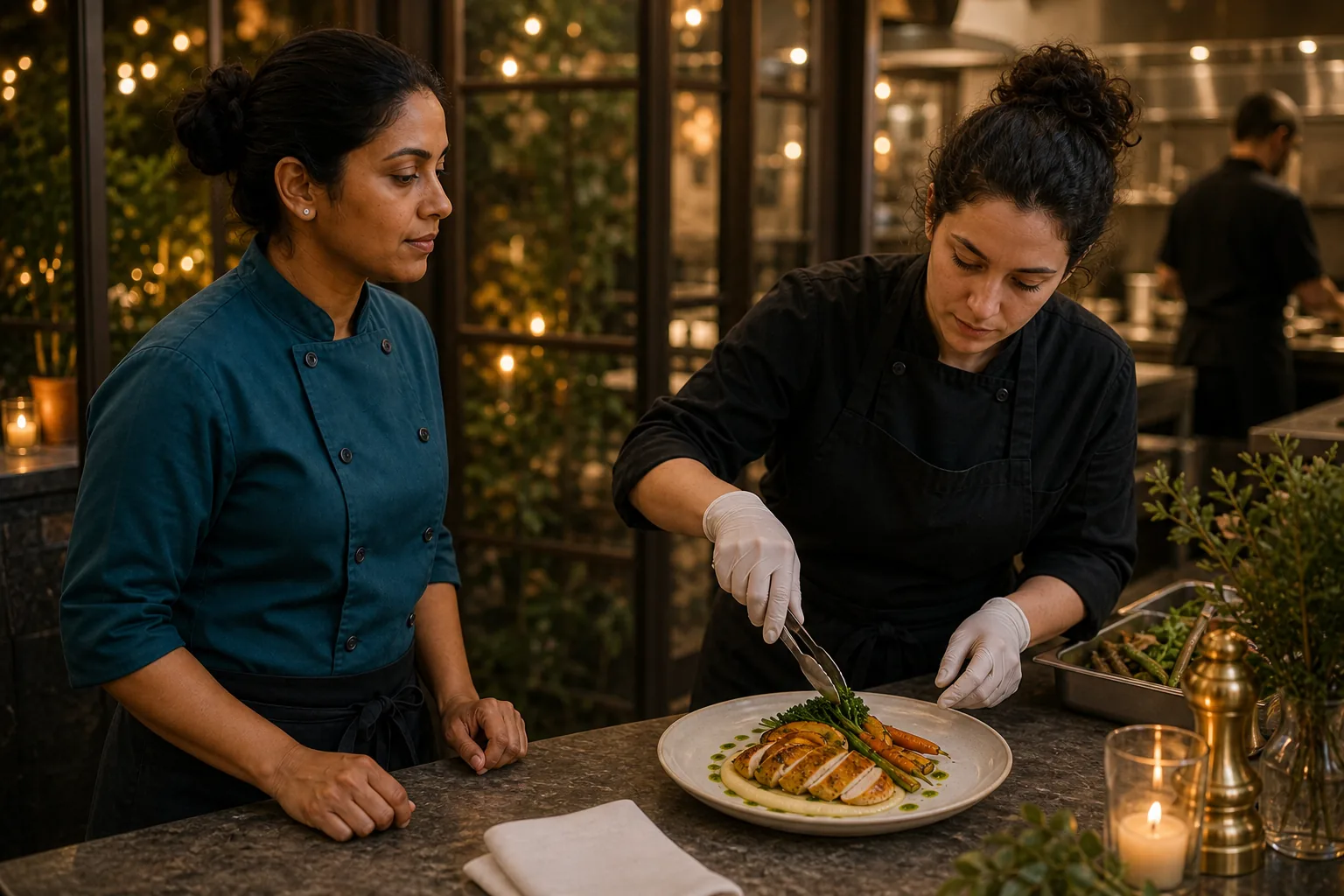
The product video demonstrates how entered information appears in the Caterer view. This six-frame editorial story follows the human work from service prep to the dining room.
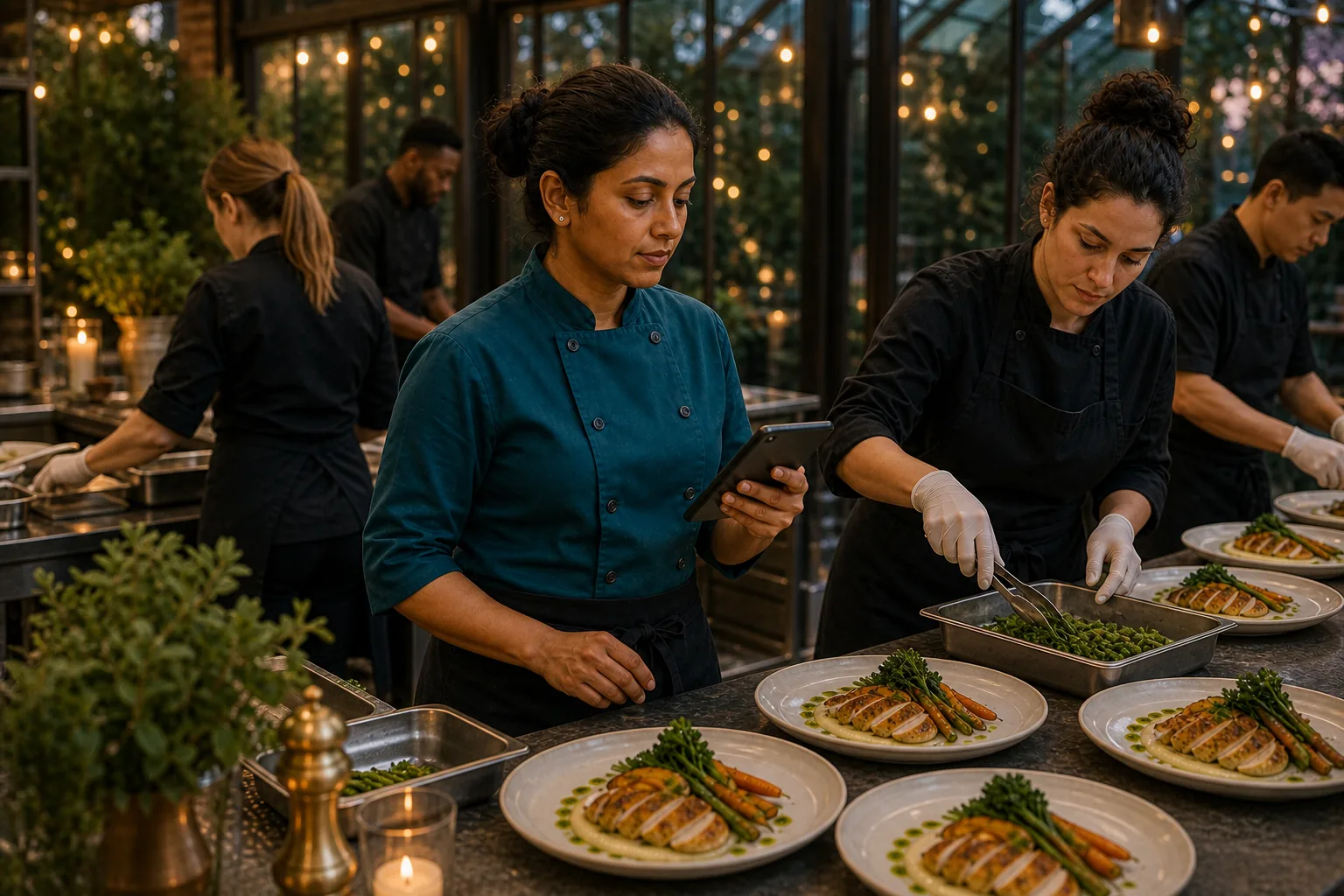
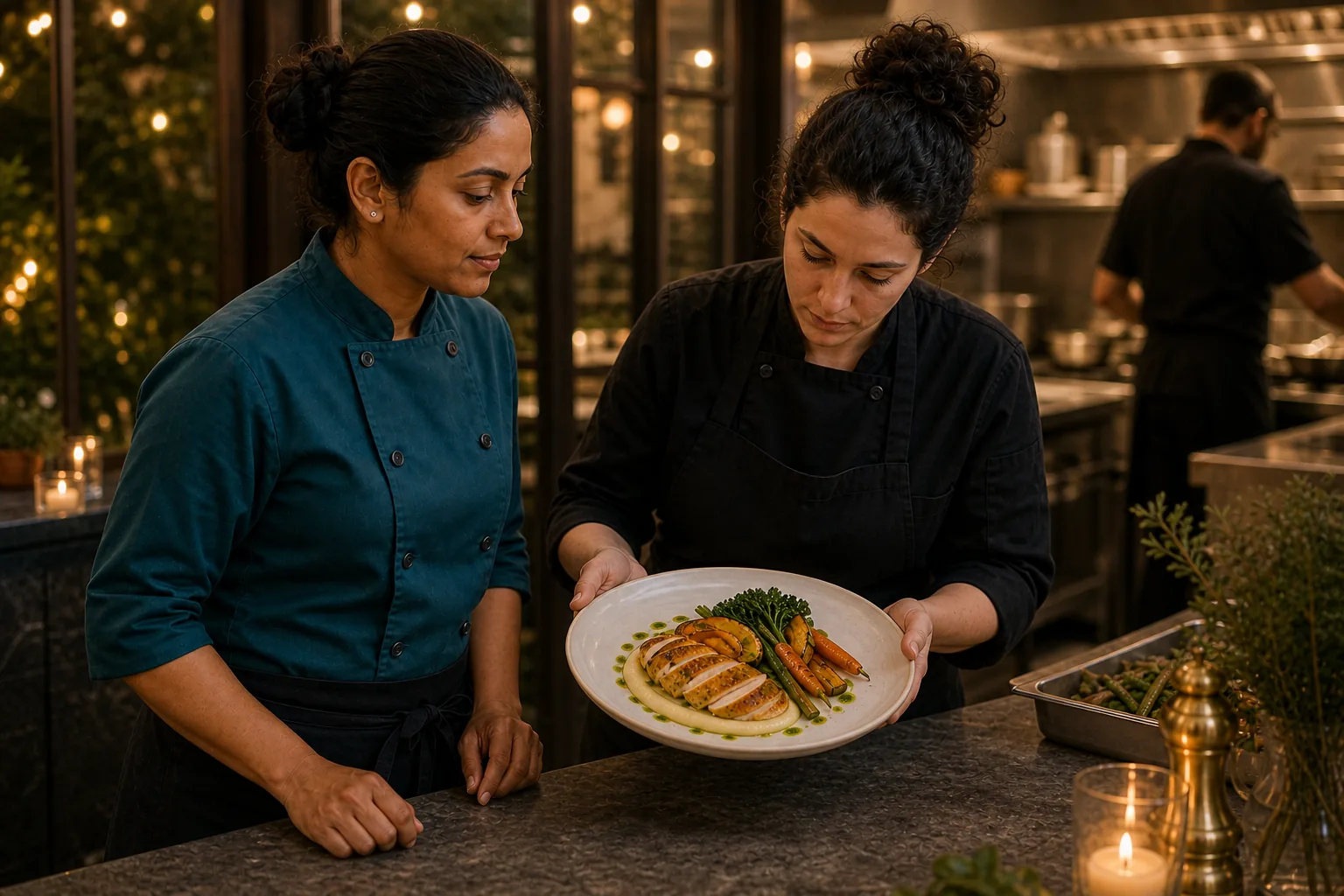
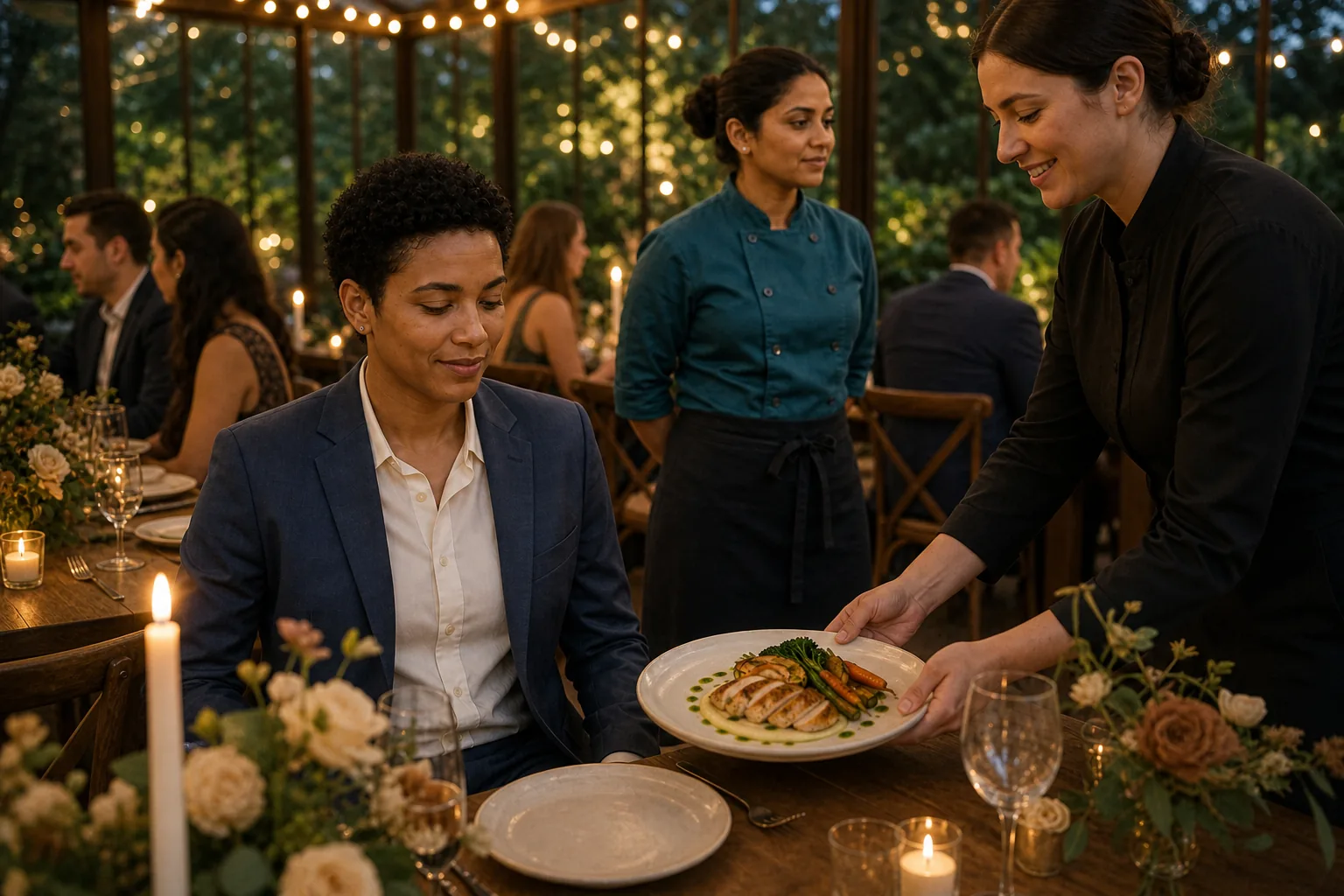

Start the caterer handoff with current counts
The Caterer view shown in the video keeps the total guest count, vendor meals, dietary meals, and entree breakdown near the live service cue. That gives Priya a compact picture of what was entered for this event instead of asking her to rebuild the count from separate messages.
Those numbers still need human ownership. The coordinator or trusted lead and caterer should reconcile late RSVP changes, vendor meals, children’s meals, dietary requests, and the final kitchen order through their established process.
Attach a dietary note to a person and place
“Four dietary meals” is not enough detail for service. Avery Stone’s entry includes Table 3 and a severe tree-nut allergy note. That context helps the caterer identify which entered request needs direct attention rather than treating every dietary meal as interchangeable.
EventSync does not know whether the entry is complete or medically current. Severe allergies require direct confirmation through the caterer’s safety process, and the guest or their designated contact remains the source of truth for their needs.
Keep plating references separate from safety decisions
The video opens a full-screen plating reference and swipes to the next plate. These references can help a team align on presentation. An “approved” label reflects the event’s entered creative selection; it is not an ingredient review or an allergy-safety certification.
Ingredient sourcing, substitutions, preparation surfaces, utensils, storage, service routes, and cross-contact controls belong to the caterer’s professional procedures. A picture of the finished plate cannot verify any of them.
Close the loop with a direct kitchen handoff
The coordinator or trusted lead can help make sure Priya receives the current event information. Priya and the catering team then confirm what they can prepare and serve, communicate with the guest through the agreed channel, and follow their own kitchen and emergency procedures.
If the entered note conflicts with the caterer’s records or the guest’s direct instruction, stop and resolve the discrepancy with the responsible people. The app can keep the issue visible; it cannot make a meal safe by itself.
Full video transcript
Transcript for the 34-second Caterer-view walkthrough above.
Meet Priya Shah’s Caterer phone, ready for Cocktail Hour. The live service cue keeps the room and kitchen in step.
Forty-eight guests, six vendor meals, and four dietary meals—confirmed, with every entrée broken out.
Approved plating references open full screen, and one real swipe moves to the next plate.
Then Avery Stone’s Table Three alert cuts through: severe tree-nut allergy. Avoid cross-contact. Every critical detail stays close. EventSync Day-Of.
A practical wedding food-allergy handoff checklist
- Collect the guest’s current information. Use the caterer’s established process and do not infer severity or accommodations.
- Name the guest and table. Connect each request to the person and place the service team will use.
- Reconcile counts before service. Compare the entered totals with the caterer’s current kitchen order.
- Confirm severe allergies directly. Make sure the guest, caterer, and responsible wedding-day lead know the agreed plan.
- Follow the caterer’s safety procedures. Ingredient review, preparation, service, and emergency readiness happen beyond the app.
- Escalate discrepancies. Stop and ask the responsible people when the screen, kitchen record, or guest instruction does not match.
The coordinator or trusted lead owns the event handoff, the caterer owns its kitchen and service procedures, and the guest remains authoritative about their allergy information. EventSync supports that work by keeping the entered counts, references, and note together in the view shown here. It does not verify allergy safety, prevent cross-contact, or guarantee a catering outcome.
Give the caterer one clearer event handoff.
Start with the catering and safety process already in place, then keep the current service timing, entered counts, references, and guest-specific notes close to the people carrying it out.
Maya and Jordan, Willow House, Avery Stone, and the wedding-day scenario are fictional. The EventSync Day-Of app usage was real: the captured workflow was executed in a controlled QA environment with Priya Shah signed in to a Caterer role, a working service cue, entered guest and meal counts, plating references, and the dietary note shown in the video. The accompanying people images are AI-generated editorial illustrations, not real clients or a real wedding. This demonstrates how entered information was displayed in the tested workflow; it does not verify allergy safety, certify a meal, prevent cross-contact, or guarantee a catering outcome.