What are you seeing?
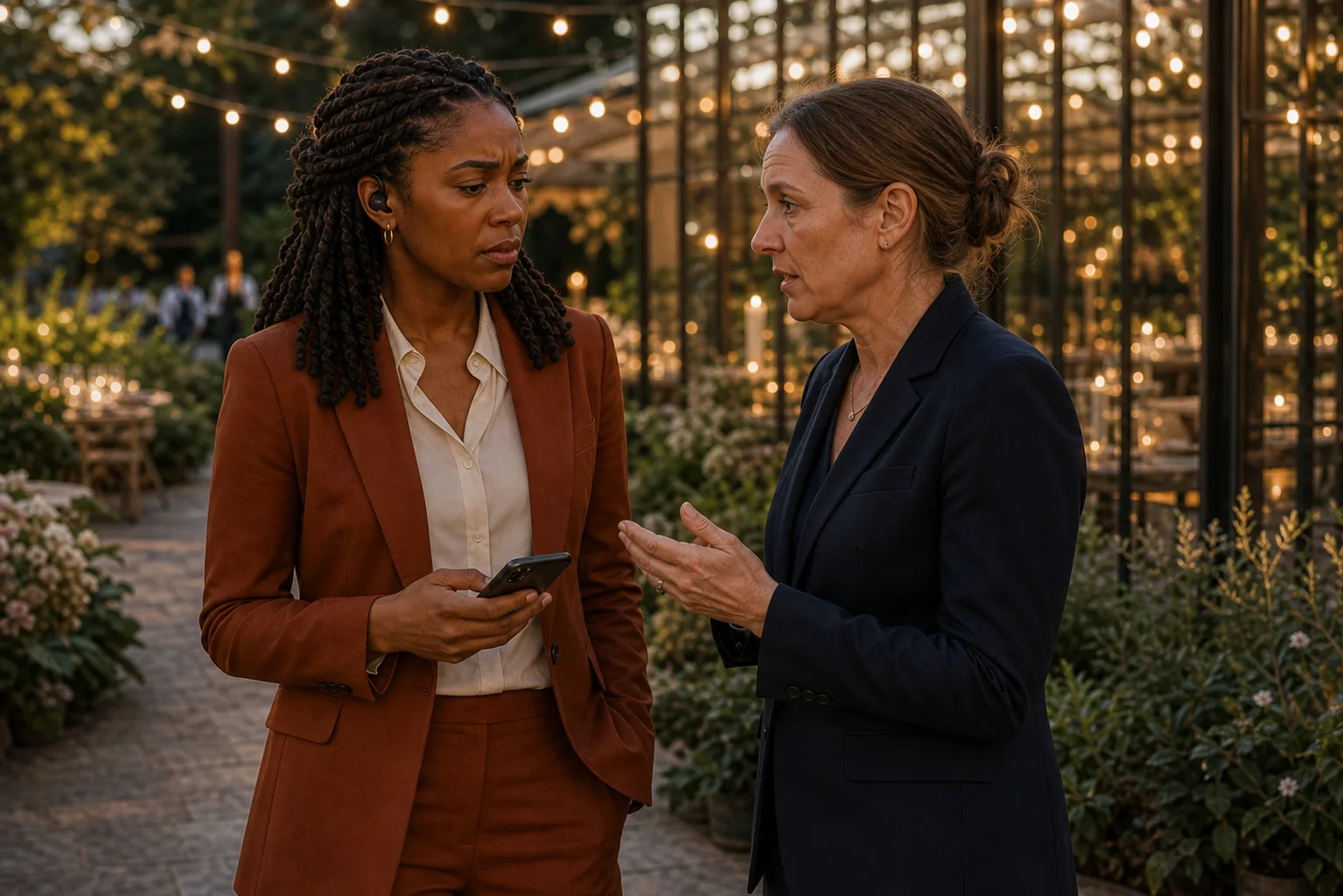
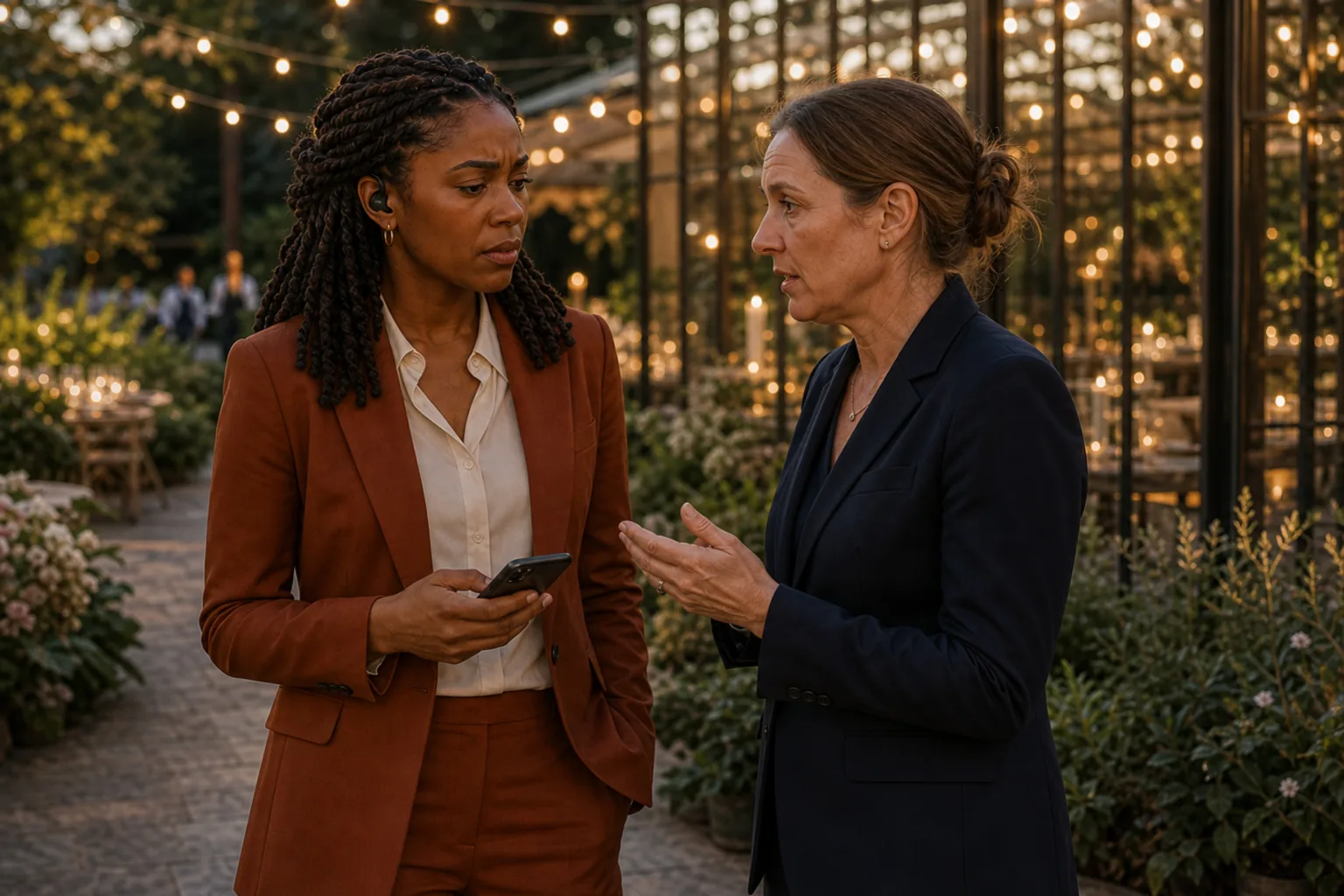
Maya and Jordan's late-autumn wedding is underway at Willow House. Elena Brooks, the Team Lead, learns that Cocktail Hour is 45 minutes behind. Dinner, vendor timing, photographs, and the promises that follow are now pressing against one another.
Elena opens Wedding Assistant on her authenticated Team Lead phone. She does not ask a generic question. She describes the live delay and names the anchor she wants to protect.
“Suggest a concrete recovery for the 45-minute Cocktail Hour delay and keep Dinner Service on time.”
The exact question Elena types in the demonstration
The human story around the screen
The product video demonstrates the interaction. This six-frame editorial sequence shows the judgment, explanation, and teamwork around it.





Why is a 45-minute wedding delay operationally serious?
A small delay can sometimes be absorbed inside one flexible moment. Forty-five minutes is different. It can push dinner, change vendor readiness, reduce photography time, and threaten events that were promised for later in the evening.
The useful question is not simply, “How do we go faster?” Elena needs to know where the time could come from, what each cut would cost, and whether Dinner Service can remain fixed. That is why the demonstrated response is presented as a proposal for review.
What three moves does Wedding Assistant propose?
The response identifies three flexible blocks. It proposes 30 minutes from Cocktail Hour, 11 from Family Formals, and 4 from Reception Room Reveal. Those adjustments total 45 minutes.
| Timeline block | Reviewed proposal | Refreshed duration |
|---|---|---|
| Cocktail Hour | Compress by 30 minutes | 30 minutes |
| Family Formals | Compress by 11 minutes | 11 minutes |
| Reception Room Reveal | Compress by 4 minutes | 8 minutes |
| Dinner Service | Keep this anchor fixed | 60 minutes, on time |
Keeping those two sets of numbers separate makes the result easier to understand and avoids turning a demonstrated proposal into a vague claim.
What happens before the timeline changes?
Elena reads the proposed impact first. The Apply change control remains untouched while she reviews it. She then taps Apply change and receives a separate Confirm change step. Only after she confirms does EventSync report that three timeline items were updated.
This reviewed path matters because a wedding schedule contains human priorities. A software suggestion cannot know every promise, relationship, venue constraint, or creative judgment that Elena may need to protect in the moment.
What does the refreshed timeline prove?
After Elena applies and confirms the three changes, the refreshed Team Lead timeline shows the changed blocks at 30, 11, and 8 minutes. Dinner Service remains fixed at 60 minutes and on time in this scenario.
The result proves that this specific reviewed proposal was applied to this working timeline. It does not prove that every 45-minute delay can be recovered, that the same cuts fit another wedding, or that a proposed schedule can guarantee what people and vendors will accomplish.
Wedding Assistant does not change this timeline automatically. Elena reviews the trade-offs, chooses Apply change, and confirms. EventSync assists the coordinator or trusted human lead. It does not replace the people responsible for running the wedding, and it does not guarantee recovery.
Full video narration transcript
On Elena Brooks's Team Lead phone, EventSync shows Cocktail Hour forty-five minutes behind. She opens Wedding Assistant. This is a real wedding-day emergency: dinner, vendors, photographs, and every promise that follows are at risk. On the native iPhone keyboard, Elena asks for a concrete recovery that still protects Dinner Service.
She types the delay, the affected block, and the one anchor that cannot move. The question is tied to Maya and Jordan's live timeline, not a generic chat. Then she sends it.
The assistant returns three moves: trim thirty minutes from Cocktail Hour, eleven from Family Formals, and four from the Reception Room Reveal. Together, they recover all forty-five minutes while Dinner Service stays on time.
Nothing changes automatically. Elena reviews the impact, taps Apply change, and confirms. EventSync updates the real timeline to thirty, eleven, and eight minutes, while Dinner remains fixed. A major delay becomes a clear, approved recovery. EventSync Day-Of.
Practical takeaways for a late wedding timeline
- Name the actual delay. Work from the current number, not a hopeful estimate.
- Protect the anchor. State which service, ceremony, toast, transportation window, or venue constraint cannot move.
- Separate flexible blocks from protected moments. A recovery needs explicit trade-offs.
- Review the proposed impact. Confirm that the cuts still leave enough time for the people doing the work.
- Apply only after the human lead agrees. Keep the decision with the person accountable for the day.
- Communicate the approved plan. Updating the timeline and sending an operational alert are separate human actions.
See how Wedding Assistant works with the live timeline.
Explore the conversational recovery path, the review step, and the human-controlled Apply and Confirm actions in EventSync Day-Of.
Maya and Jordan, Willow House, and the wedding-day scenario are fictional. The EventSync Day-Of app usage was real: the captured workflow was executed in a controlled QA environment using a signed-in Team Lead account, the working timeline, Wedding Assistant, and the human Apply and Confirm steps shown in the video. The accompanying people images are AI-generated editorial illustrations, not real clients or a real wedding. This demonstrates the tested process shown here; it does not guarantee that every wedding delay will resolve the same way.