
What you are seeing
Maya and Jordan’s family-formals plan calls for two distinct photographs: Couple + Mom and Couple + Dad. Sam Rivera opens his Photographer view, checks the four visual references attached to the must-haves, and returns to the list where those parent groups remain separate.
The note is direct: “Photograph Mom and Dad separately; avoid shared formals.” The point is not to make assumptions about anyone’s family. It is to carry forward the plan the couple and their trusted wedding-day people already made.
The couple, coordinator or trusted lead, and photographer should confirm names, relationships, consent, and sensitive combinations before portraits begin. EventSync keeps entered information near the work. It does not decide which relatives belong together, resolve family dynamics, or replace the photographer’s judgment.
The human story around the family photo list
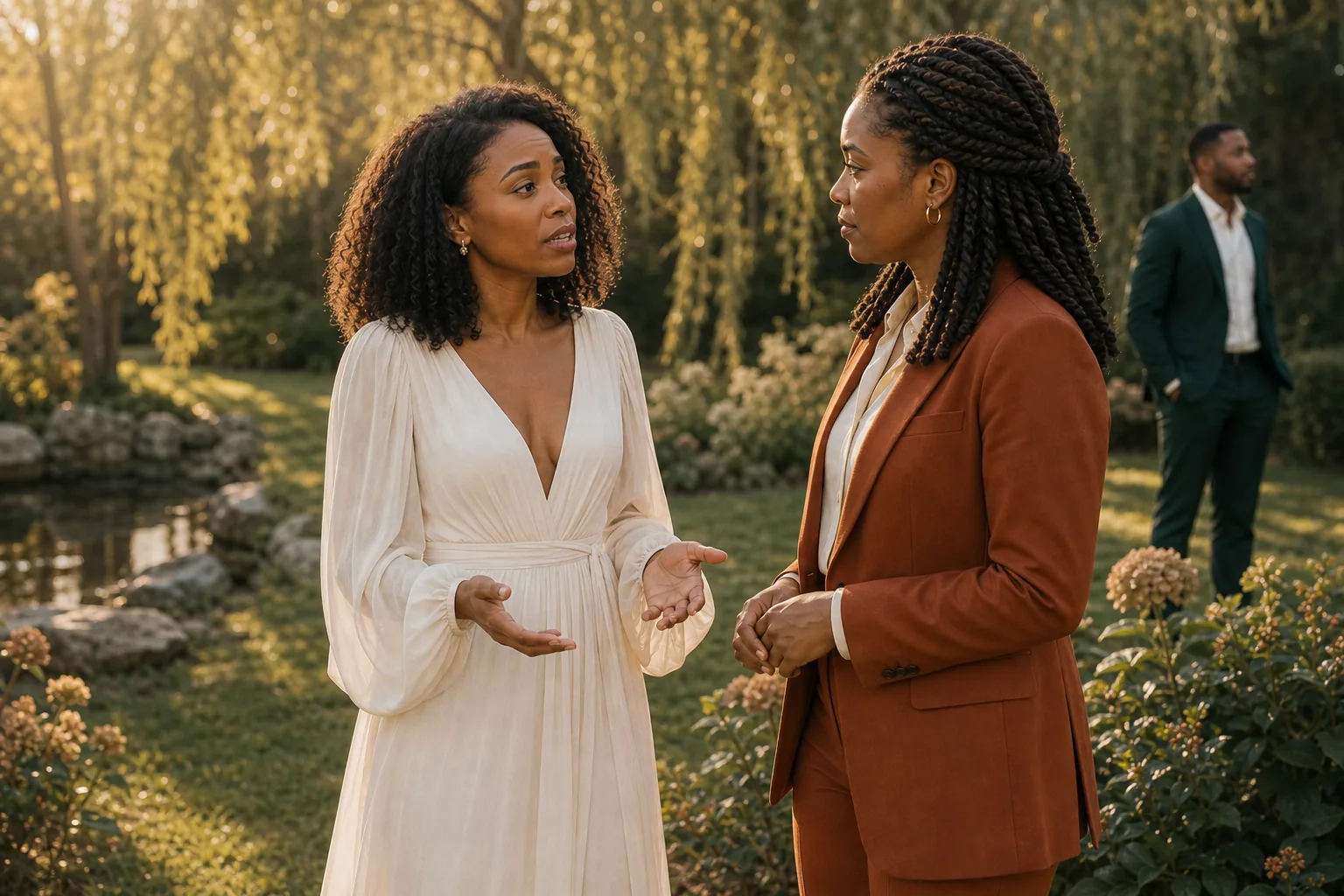
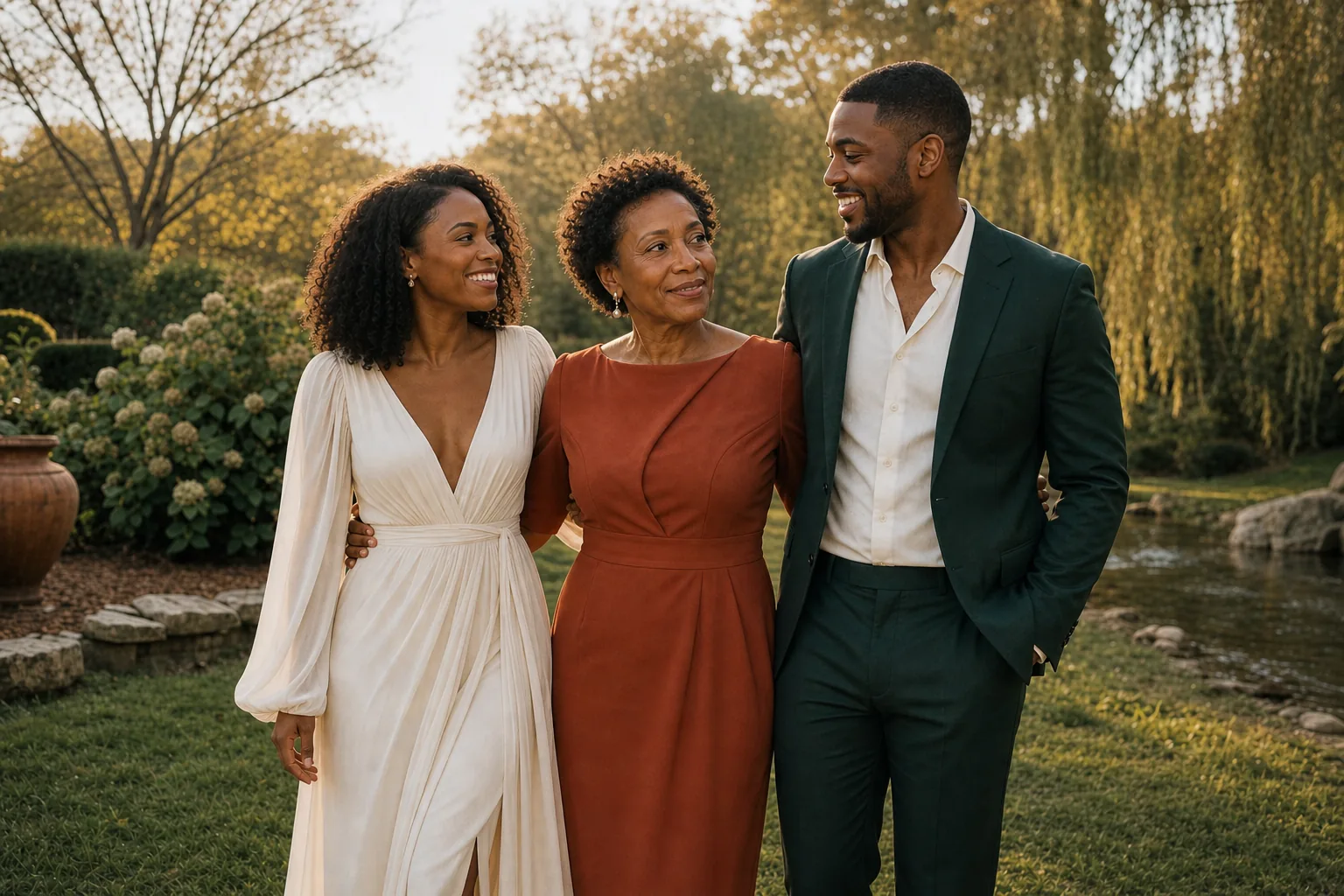
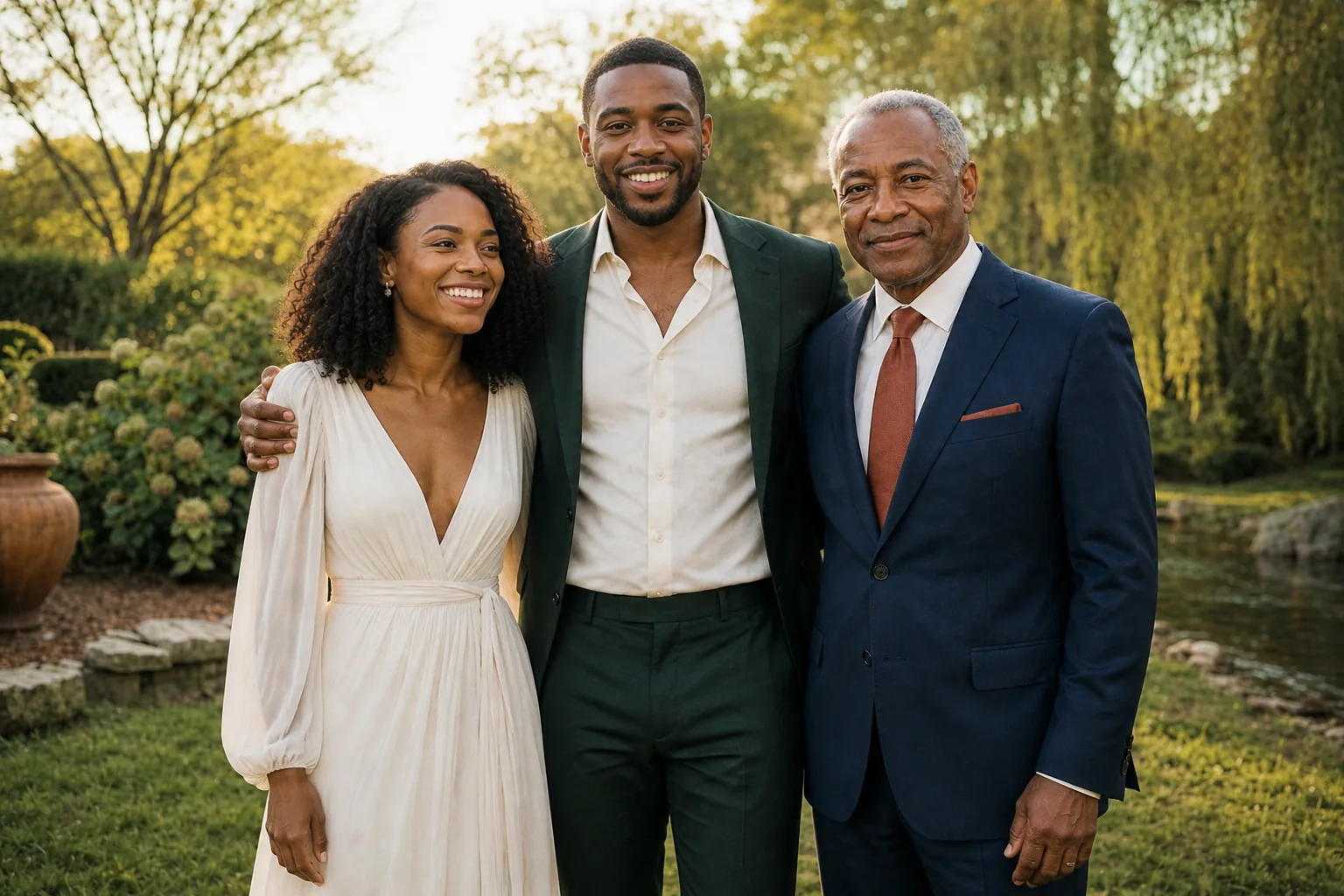
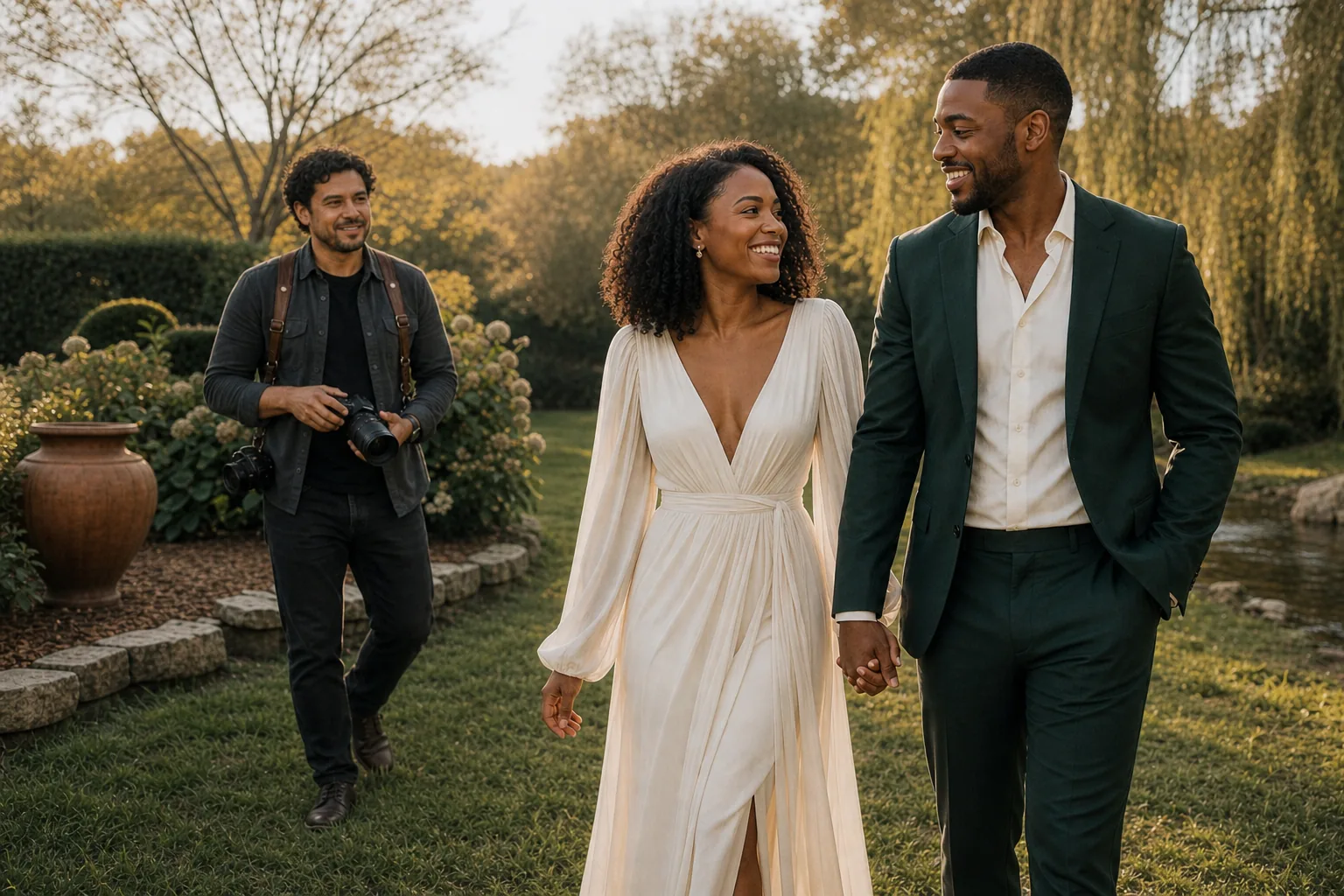
The product video demonstrates the app workflow. This six-frame editorial story follows the separate-formals plan from preparation through the last portrait.


Write separate groups, not one ambiguous parent photo
A wedding family photo list is most useful when every requested combination is its own line. “Couple + parents” can invite a rushed assumption. “Couple + Mom” and “Couple + Dad” make the intended combinations visible before anyone starts assembling a group.
That structure also helps a coordinator or trusted lead review the plan with the couple. If a stepparent, partner, sibling, grandparent, or chosen-family member should be included, name that person and the intended grouping rather than leaving the photographer to infer it in the moment.
Keep one clear instruction beside both groups
The note shown in the video sits beside the two family-formal rows: photograph Mom and Dad separately and avoid shared formals. Repeating or associating the instruction with both relevant groups reduces the chance that it becomes detached from the part of the list where it matters.
The app displays the information entered for the event. The couple and their trusted lead remain responsible for confirming that the instruction is accurate and current, and Sam remains responsible for communicating respectfully while photographing the groups.
Use visual references for composition, not family assumptions
Sam opens a real lightbox and swipes from Reference 1 of 4 to Reference 2 of 4. Those AI-generated reference images can show framing, distance, or mood. They do not establish who should appear in a portrait or whether a family combination is comfortable.
Names and sensitive family instructions belong in the reviewed family-photo plan. A visual reference should support the creative brief without becoming a substitute for that human context.
Confirm the handoff before family formals begin
Even a precise list can become stale. A coordinator, trusted lead, or named family helper should check the plan with the couple, make sure the photographer understands it, and identify who can quietly gather each group. If the couple changes the plan, the people running portraits should receive that update directly.
EventSync helps keep the current entered plan visible. It does not promise that a sensitive family moment will unfold exactly as written, and it does not replace a direct conversation when circumstances change.
Full video transcript
Transcript for the 38-second Photographer-view walkthrough above.
This is Sam Rivera’s Photographer phone, live on Maya and Jordan’s wedding day.
Their must-haves keep four actual AI-generated reference images close to the shot list. One tap opens the real lightbox. A real swipe moves from Reference one of four to Reference two of four.
Back on the board, Couple plus Mom and Couple plus Dad stay in separate formals.
Sam’s Photographer view carries the note for family formals: Photograph Mom and Dad separately; avoid shared formals. EventSync Day-Of keeps the instruction beside both groups.
A practical wedding family photo list checklist
- Ask before you arrange. Let the couple identify sensitive relationships and combinations.
- Give every requested group its own row. Avoid broad labels that leave the photographer guessing.
- Use full names where they help. Make it easy for a trusted helper to gather the right people.
- Place sensitive instructions beside the relevant groups. Keep the reason private unless the couple wants it shared.
- Confirm the list with the photographer. Do not assume a screen replaces a pre-wedding conversation.
- Name a human point person. Give the photographer someone to ask when the room and the list no longer match.
The people responsible for the wedding decide the family-formals plan, confirm it with the couple and photographer, and respond when a sensitive situation changes. EventSync supports that handoff by keeping the entered groups, note, and references together in the view shown here. It does not enforce privacy between roles, determine consent, or replace human care and judgment.
Give the photographer a clearer day-of handoff.
Start with the family-photo plan the couple has already approved, then keep its timing, groups, notes, and references close to the people carrying it out.
Maya and Jordan, Willow House, and the wedding-day scenario are fictional. The EventSync Day-Of app usage was real: the captured workflow was executed in a controlled QA environment with Sam Rivera signed in to a Photographer role, four AI-generated reference images, a working family-formals list, and the separate Couple plus Mom and Couple plus Dad rows shown in the video. The accompanying people images are AI-generated editorial illustrations, not real clients or a real wedding. This demonstrates the tested workflow shown here; it does not guarantee family dynamics, consent, or a particular photography outcome.