QR RSVP, no app needed
Guests scan the QR code or tap the invite link. The RSVP opens in their browser so they can respond without creating an EventSync account.
EventSync is a wedding planning app plus day-of execution app. The guest side includes QR RSVP links, browser responses, meal choices, plus-ones, dietary notes, registry links, and guest-facing schedule views without handing guests the private production timeline.
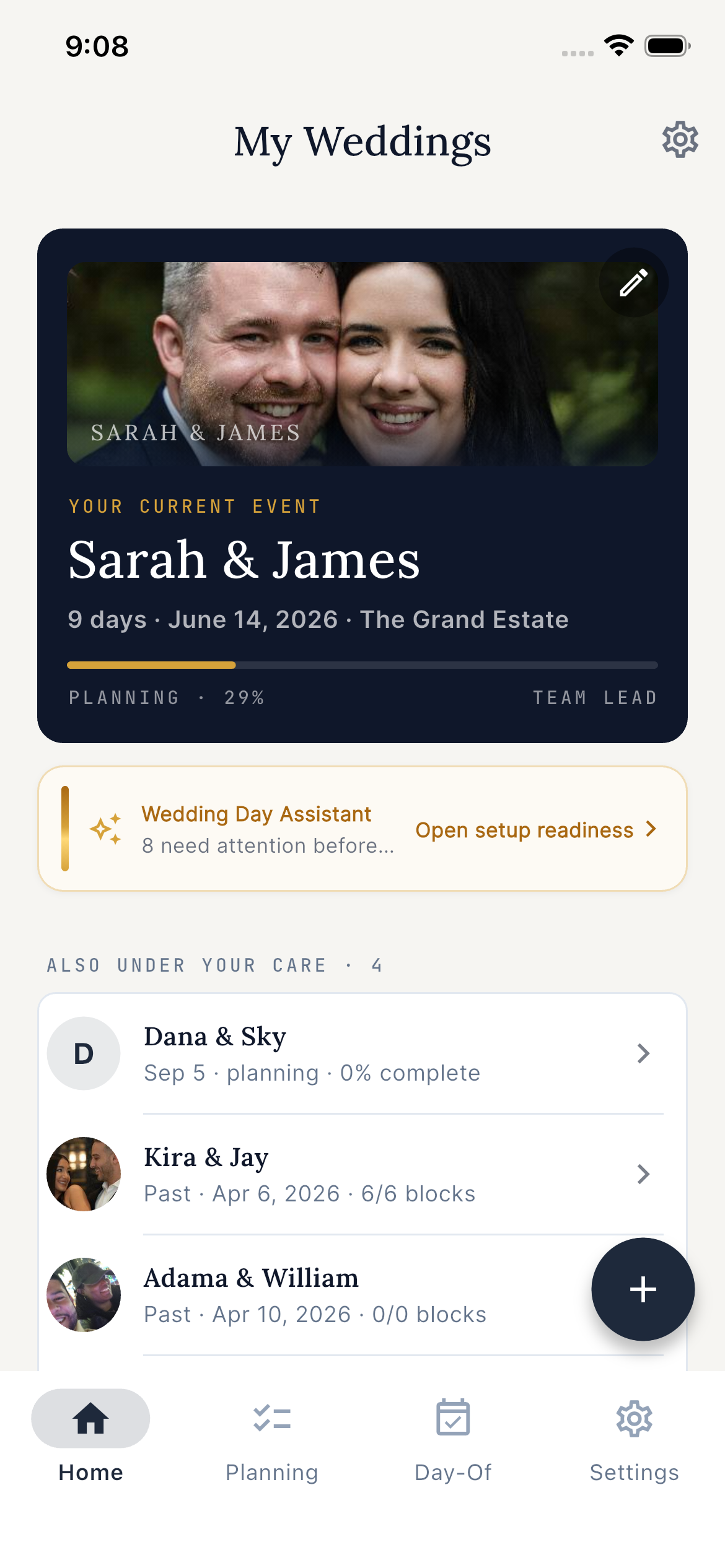
Guests scan the QR code or tap the invite link. The RSVP opens in their browser so they can respond without creating an EventSync account.
Collect the details caterers and planners actually need: attending status, meal selection, dietary restrictions, plus-one name, and plus-one meal choice.
EventSync supports registry links on guest-facing pages. It does not try to become a registry marketplace.
Most wedding apps blur guest communication and production planning together. EventSync keeps them separate. Guests get the information they need to act, while the coordinator keeps vendor notes, setup timing, buffers, and recovery decisions inside the operational plan.
EventSync is not a wedding website builder, photo sharing wall, or registry marketplace. It is a planning-to-execution wedding workflow with guest RSVP tools and role-aware day-of views.
RSVPs update the planning guest list so hosts can see accepted, pending, maybe, and declined responses.
Table assignments, meal counts, and dietary notes support the seating chart and caterer handoff.
The same wedding later moves into live coordination with role dashboards, vendor check-ins, and SmartRipple recovery suggestions.
Start with free planning tools in EventSync Workspace. Paid Day-Of tools unlock live coordination when the wedding day needs a command center.
No. Guests can RSVP from a browser after scanning a QR code or tapping a link.
Yes. EventSync supports registry links on guest-facing pages, but it is not a full registry marketplace.
Hosts can manage table assignments and seating context in EventSync. Guest-facing visibility should stay limited to what guests need, while operational seating details remain with the planner and team.