Familiar steps. An app that feels like your app.
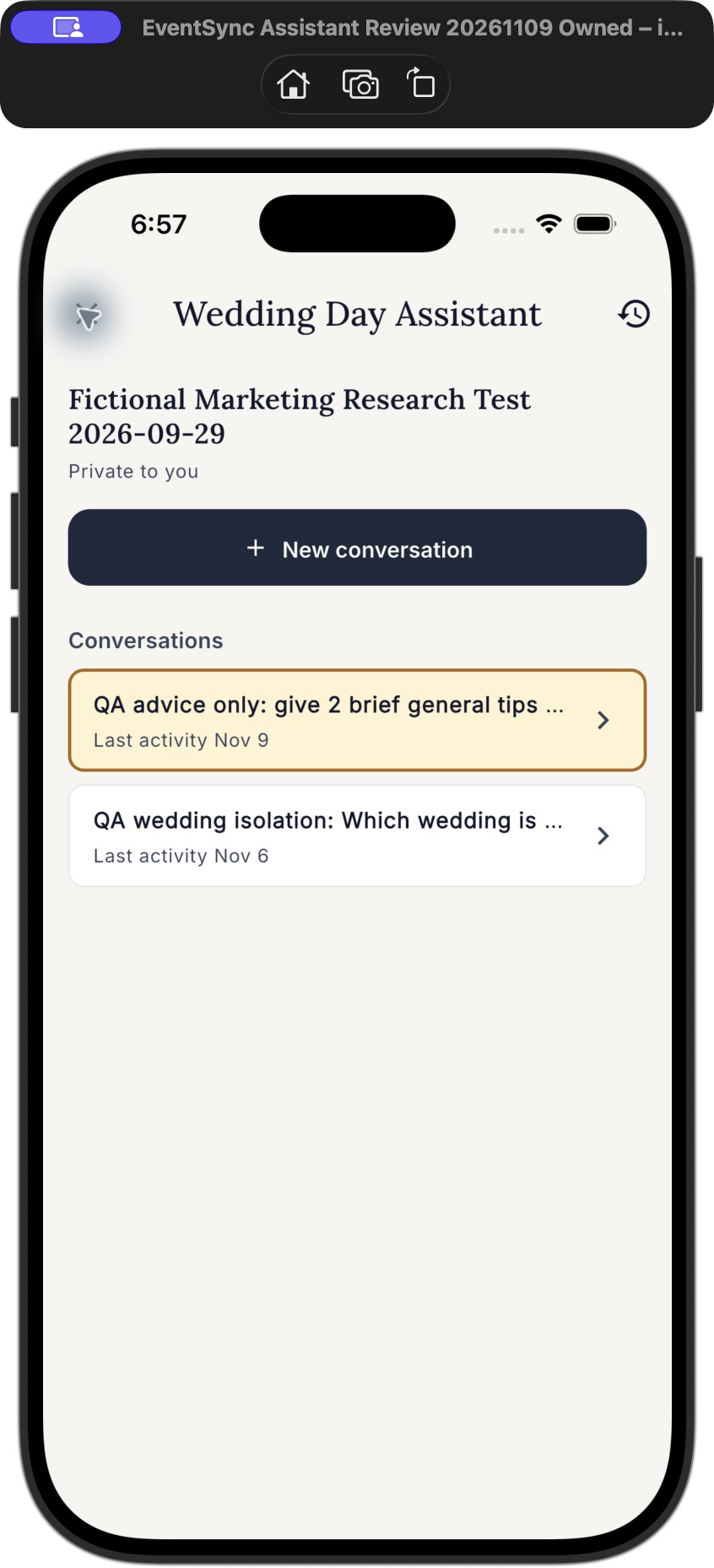
The conversation list keeps the same idea as Workspace: a title, a date, and a clear way back to the discussion. In the app, it uses EventSync’s own colors, typography and controls.
- Open the Wedding Day Assistant. Check the wedding name shown with your conversations.
- Choose a saved topic. Read the earlier exchange, then continue in that same conversation.
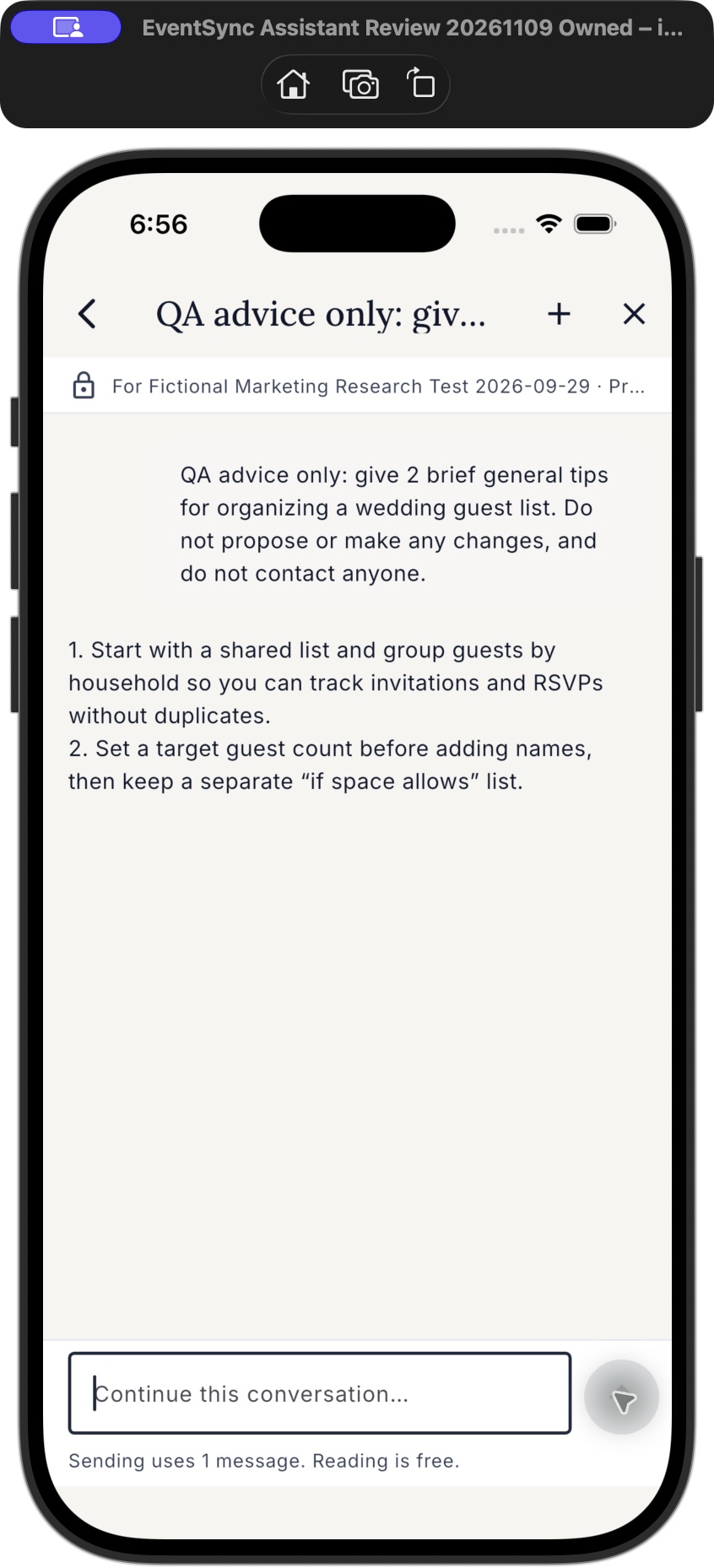
- Start something different. Use New conversation in the list, or the + control inside a chat. The back arrow returns to your conversations.
The right history for the right wedding.
Saved conversations stay private to your account and separate for each wedding. Switching weddings changes the history and context the Assistant can use.
Opening and reading saved conversations uses no Assistant messages. The notice beside the typing area explains message use before you send. Supported proposed changes still need your separate review and approval.
More in this update.
- Clearer Readiness access guidance when a check needs Assistant access.
- Better recovery when account or wedding access is still loading.
- Improved timeline reordering and buffer controls.
- Clearer purchase status and recovery, so an uncertain result does not send you into another checkout.
The new Wedding Pass-to-Assistant purchase route is included with Android 2.2.37. The new Apple upgrade product is not on sale yet; its separate review setup is still being completed. Existing purchases remain intact.
Check your app store.
Install version 2.2.37 or newer and reopen EventSync. If your store still shows an earlier version, refresh its listing and check again.