EVENTSYNC RSVP
Preview your
wedding RSVP.
A thoughtful invitation. A clear place to start. Preview your celebration in EventSync Workspace and explore the RSVP design with a fictional sample.
Preview your celebration details, then sign in to continue in Workspace. The sample uses fictional details and sends no invitations.
LAKESIDE DAWN · FICTIONAL SAMPLE

Keep your wedding website.
Give replies a home.
Your website can tell your story. Your registry can stay where you chose it. You can start with RSVP on its own inside Workspace and keep using the wedding website and registry you already chose.
If you change where guests respond, choose one place for new replies and check earlier answers before sharing a new link.
Read the RSVP setup checklist →From invitation to your plan.
A simple starting point for your guest responses, with room to keep planning.
Preview your celebration.
Enter a celebration name, date and optional venue. Explore the invitation preview before choosing to sign in.
Explore the invitation.
Try eight artwork styles in the fictional sample. Test the sample reply controls before deciding how guests will respond to your wedding.
Return as guests reply.
Start with RSVP on its own in Workspace, then return to manage your wedding’s responses. Add other planning tools when they are useful.
An invitation
that feels like you.
Explore Lakeside Dawn and seven other artwork styles in the sample. Try a photo cover and see where your album appears.
1 · ARTWORK ONLY · NO ALBUM
Lakeside Dawn
2 · PHOTO COVER · ALBUM AVAILABLE
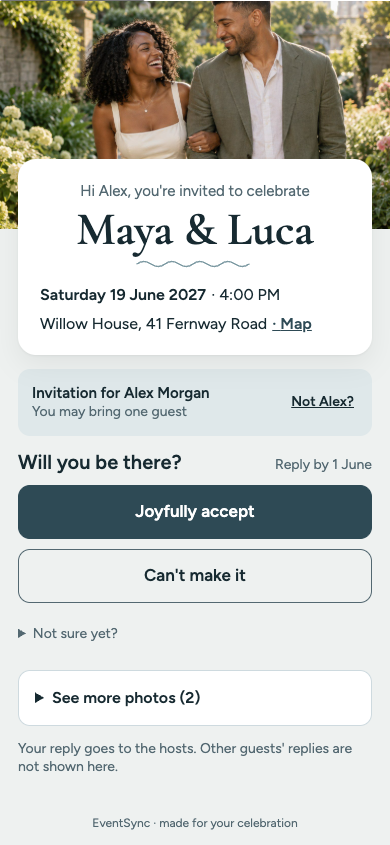
Your photo, your invitation
3 · ALBUM BELOW RSVP · OPEN GALLERY
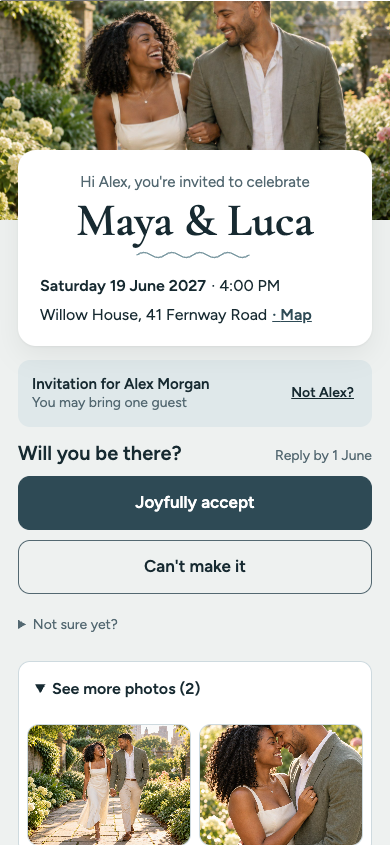
A few moments to share
See the actual photo viewer
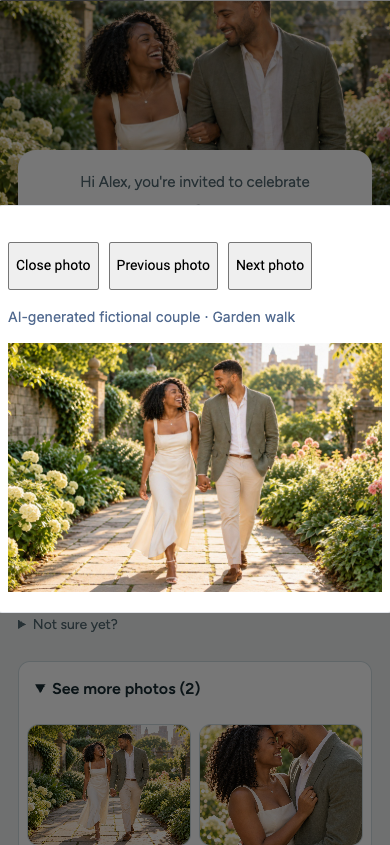
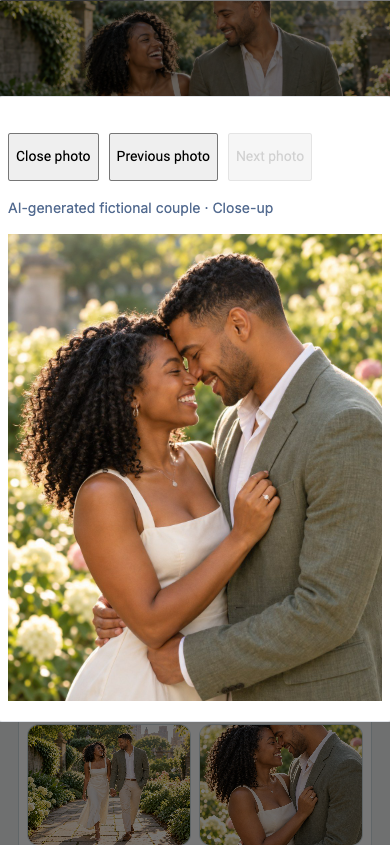
Actual sample controls: Next, Previous and Close. The cover is separate from these two gallery photos.
A place in
Free Resources.
RSVP IN WORKSPACE
Begin with guest replies.
Try the free RSVP preview and sample, then use practical tools and templates to prepare the rest of your plan.
Explore Free Resources →Before you begin.
Can I explore before signing in?
Yes. Preview your celebration in your browser, or try the fictional RSVP sample. Saving in Workspace requires sign-in. The sample does not send invitations or submit guest replies.
Do we need a new wedding website or registry?
You can keep both. Decide where guests should reply, then update the instructions and links they will follow.
What can I try for free?
Wedding RSVP is a free service in Workspace. Sign in to manage responses and return as guests reply. Explore the preview and fictional sample first; optional paid Day-Of tools are a separate choice.
Can we use a guest list we already have?
Save your original file and review names, parties, responses, meal choices and notes before using an import. Check which fields your chosen tool preserves. Our RSVP setup checklist helps you plan this review.
Start with the invitation.
Preview your celebration before signing in.